Node Canvas
A dotted infinite canvas with nodes, ports and curved wires that show how work flows.
This style
$9$19
One-time, no subscription · instant download · client use · 7-day refund before download
The idea
The page is laid out on the dotted canvas of a workflow editor: cards are nodes with ports on their edges, connected by smooth bezier wires. Friendly technical type, soft colour-coded node headers and visible structure. It explains automation by showing it.
Node Canvas borrows the visual grammar of node-based editors — the dotted infinite canvas, cards with input and output ports, smooth bezier wires — and uses it to structure an entire page. It draws on audio patch bays, visual-effects compositors and modern automation tools. Cards become nodes, sections become stages of a flow, and the reader literally follows the wire down the page. Warm off-white canvas, one hot orange, colour-coded node headers. It should feel hands-on, technical and fun to explore.
Principles
- Every card is a node: give it ports, a header and a type.
- Connect related things with visible wires; let the page flow.
- Colour codes node types — triggers, actions, logic — consistently.
- Orange means 'run'; it's the only action colour.
- Show data inside nodes: field names, sample values, counts.
Motion
Nodes pop in at 94% scale one after another, then the wires between them draw along their bezier paths in 700ms. A small dot pulses along each wire every few seconds, showing data travelling between steps.
Do & don't
Do
- ✓ Give every card visible ports on its edges.
- ✓ Draw bezier wires between related cards.
- ✓ Show realistic field names and payloads inside nodes.
Don't
- ✕ Don't use straight right-angle connectors; wires curve.
- ✕ Don't fill whole cards with colour.
- ✕ Don't use more than three node-type colours.
+ 3 more of each, and component rules, in the full DESIGN.md.
What's in the DESIGN.md
- 01Overview & principles
- 02Colors (tokens + proportions)
- 03Typography (families + 12-role scale)
- 04Layout & spacing scale
- 05Elevation & depth
- 06Shapes & radii
- 07Motion (easing, durations, signature)
- 08Imagery + generation prompt
- 09Components (button, card, nav, input, badge)
- 10Do's and don'ts
- 11Responsive behaviour
- 12Iteration guide + agent checklist
Plus theme.css (Tailwind v4 @theme), tokens.json (W3C) and the preview page source — 360 lines of DESIGN.md in total.
More like this
All SaaS & Bento →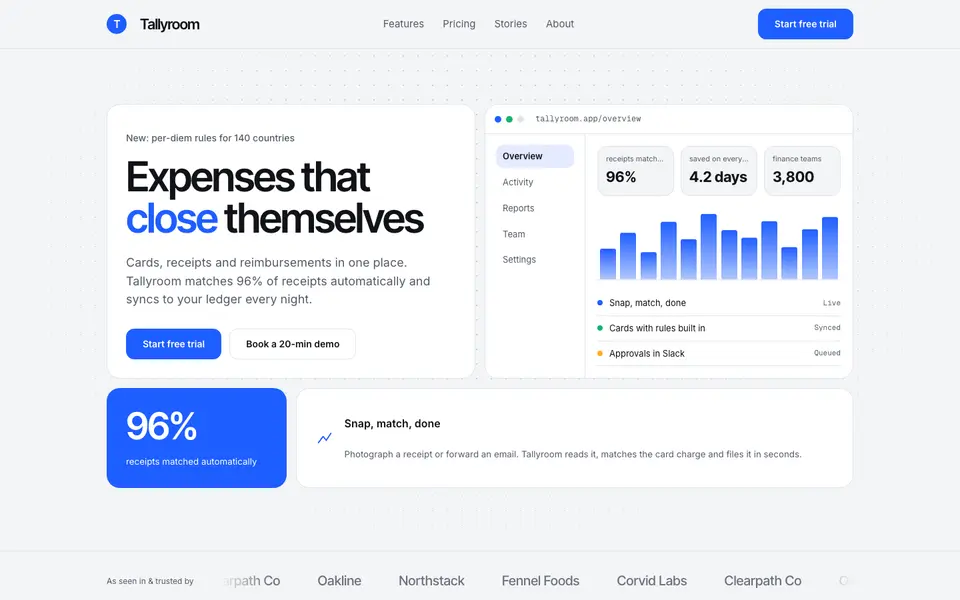 Free
FreeBento Daylight
No. 039A sunlit bento box of product tiles: soft grey canvas, white cells, one confident blue.

Bento Midnight
No. 040Charcoal tiles on a blueprint grid, lit from inside by a single violet glow.
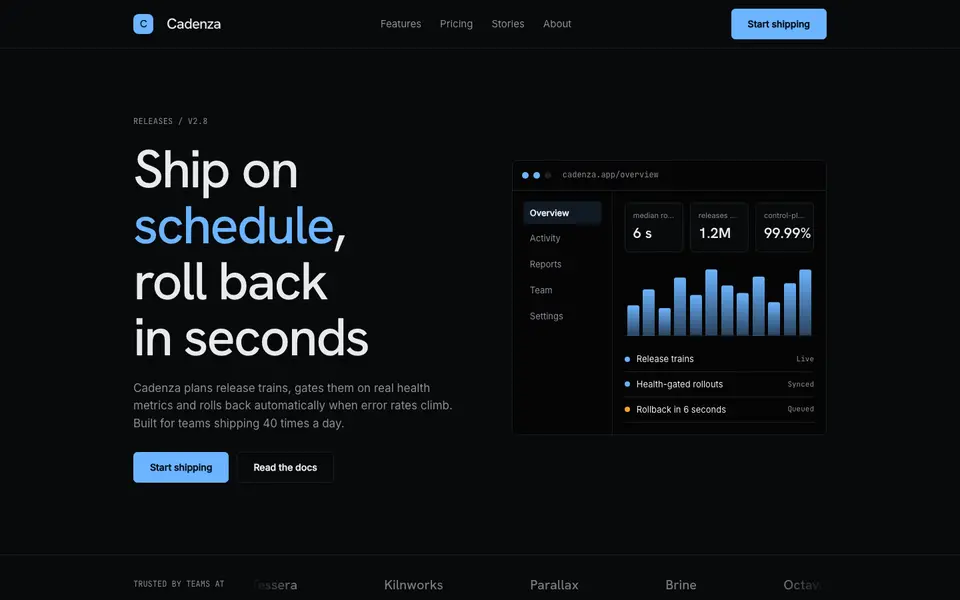
Hairline Noir
No. 041Near-black, one ice-blue accent and hairlines drawn with a 0.5mm technical pen.
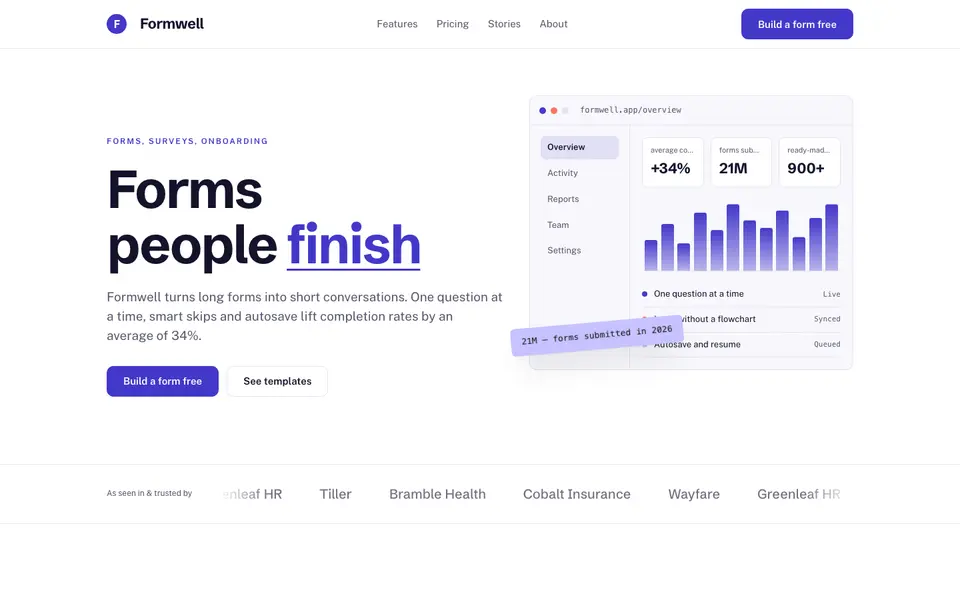
Indigo Clarity
No. 042White space, deep indigo and crisp product screenshots that explain themselves.
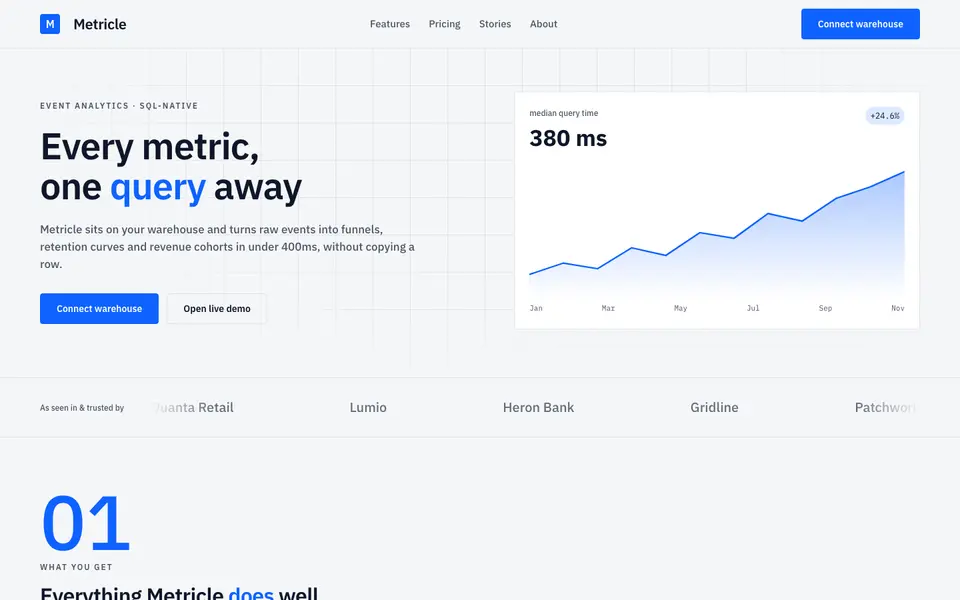
Signal Grid
No. 043A dense analytics cockpit: tight grids, tabular numbers and charts that do the talking.
Soft Intelligence
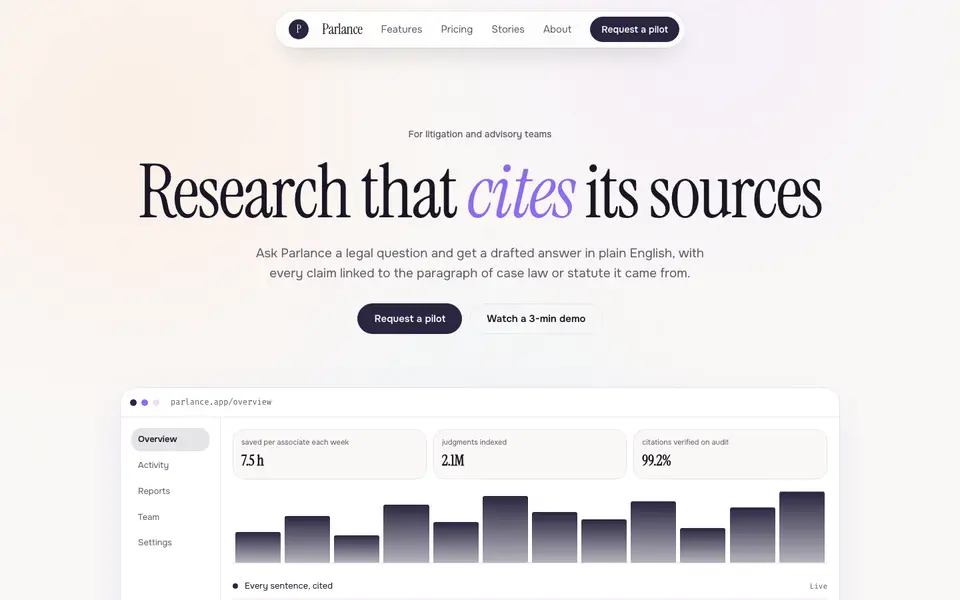
No. 044Calm AI product pages: pearly gradients, a literary serif and a chat window as the hero.