Beige Desktop
Bevelled grey windows, navy title bars and a pixel font: the 90s desktop as a website.
This style
$9$19
One-time, no subscription · instant download · client use · 7-day refund before download
The idea
Every section is a window: a navy gradient title bar with tiny close buttons, a silver body with raised bevels, inset text fields and buttons that visibly press in. Pixel-ish headings, a sensible sans for reading, and absolutely no rounded corners. It feels like booting up after school.
Beige Desktop is the mid-1990s desktop operating system rebuilt as a web page: silver window chrome with 2px raised bevels, navy-to-blue gradient title bars, inset text fields, tooltip-yellow notes and the teal of an empty desktop. Every content block is framed as an application window, complete with title text and tiny control buttons. A pixel-style display face handles headings while a clean grotesk keeps body text legible. It should feel familiar, tactile and a little bit funny, like software that respected your time.
Principles
- Every section is a window with a title bar.
- Depth comes only from bevels: light top-left, dark bottom-right.
- Buttons press in; they never glow, lift or fade.
- Navy for the active window, teal for the desktop, silver for everything else.
- Dense and utilitarian: small type, tight padding, real controls.
Motion
Windows open in four stepped frames from 80% to 100%, like an old OS drawing an outline then the window. Buttons do not animate on hover; they sink into an inset bevel when pressed.
Do & don't
Do
- ✓ Give every window a title like 'Pinedesk - Notes.txt'.
- ✓ Draw bevels with two-colour borders: #FFFFFF/#404040.
- ✓ Use VT323 for status bars and file sizes.
Don't
- ✕ Don't round any corner.
- ✕ Don't use soft shadows or blur.
- ✕ Don't animate hover states.
+ 3 more of each, and component rules, in the full DESIGN.md.
What's in the DESIGN.md
- 01Overview & principles
- 02Colors (tokens + proportions)
- 03Typography (families + 12-role scale)
- 04Layout & spacing scale
- 05Elevation & depth
- 06Shapes & radii
- 07Motion (easing, durations, signature)
- 08Imagery + generation prompt
- 09Components (button, card, nav, input, badge)
- 10Do's and don'ts
- 11Responsive behaviour
- 12Iteration guide + agent checklist
Plus theme.css (Tailwind v4 @theme), tokens.json (W3C) and the preview page source — 360 lines of DESIGN.md in total.
More like this
All Neo-Retro →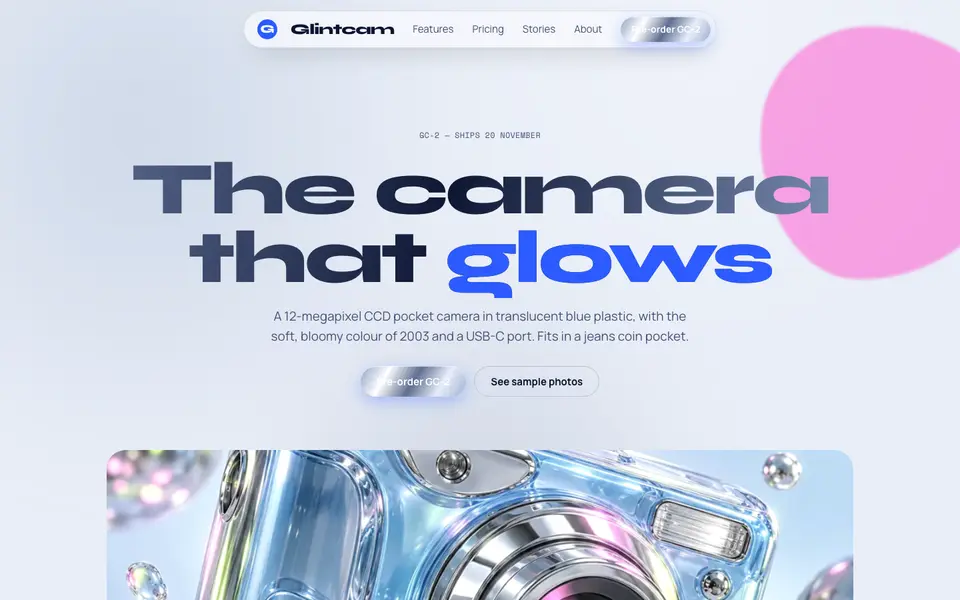
Y2K Chrome
No. 038Liquid chrome, bubble shapes and frosted-blue gadgets from the year 2000.
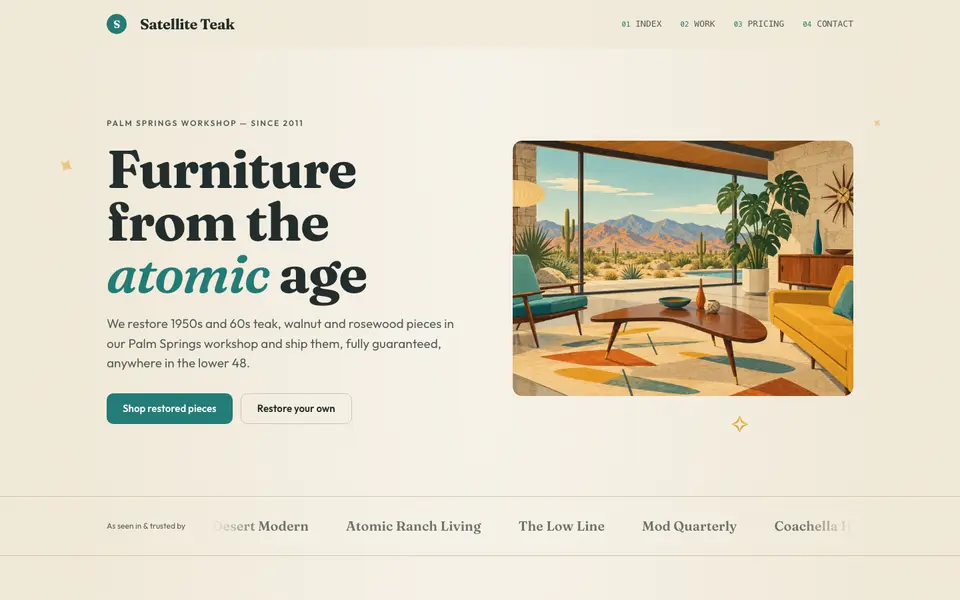
Atomic Modern
No. 058Teal, mustard and teak with starbursts and boomerangs: 1956 at its most optimistic.
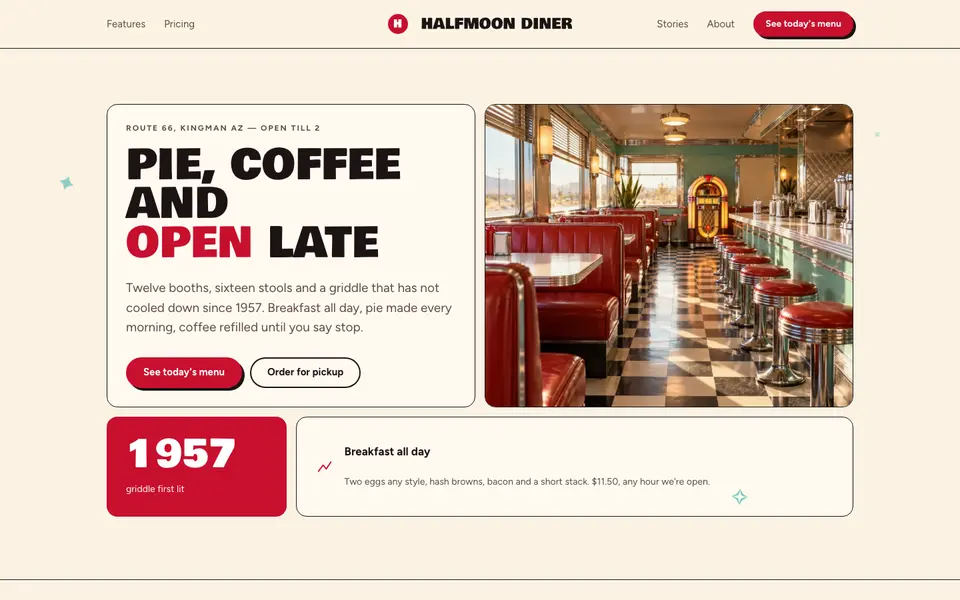
Checker Diner
No. 060Cherry red, cream vinyl and a checkerboard floor: a roadside diner menu, open late.
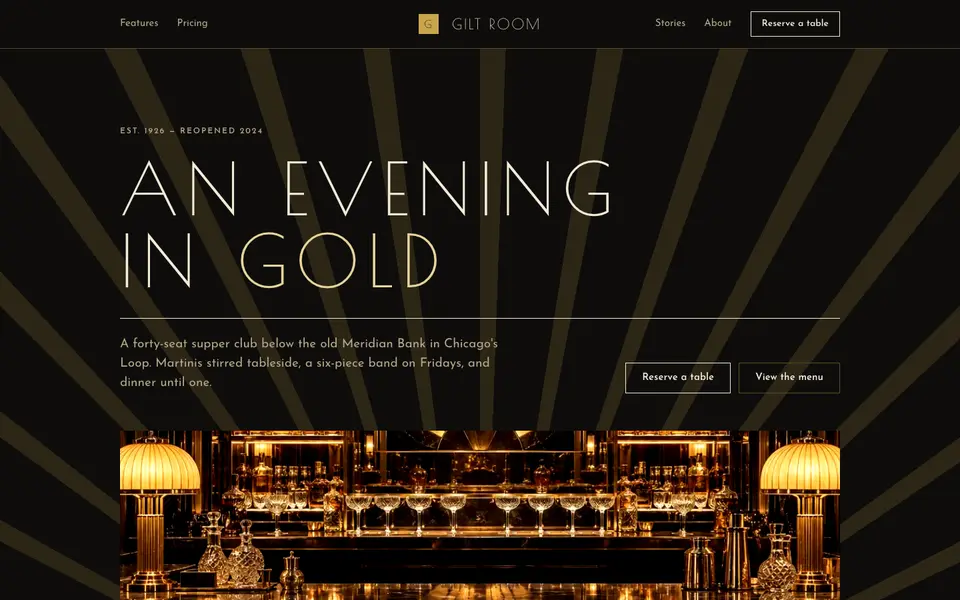
Gilded Deco
No. 061Black lacquer, gold leaf and sunburst geometry from a 1920s grand hotel lobby.
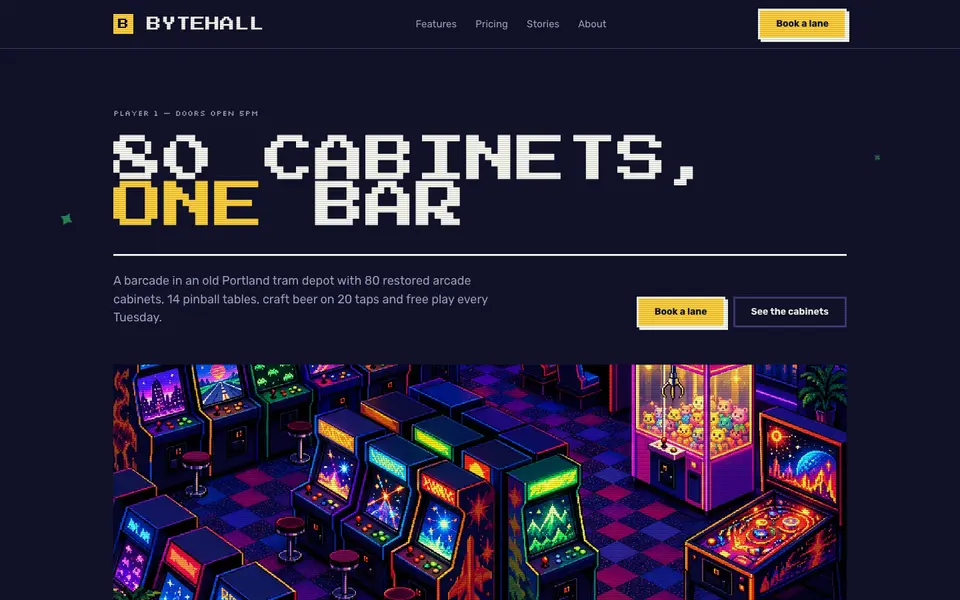
Pixel Arcade
No. 0628-bit type, stepped pixel borders and coin-yellow buttons. Insert coin to continue.
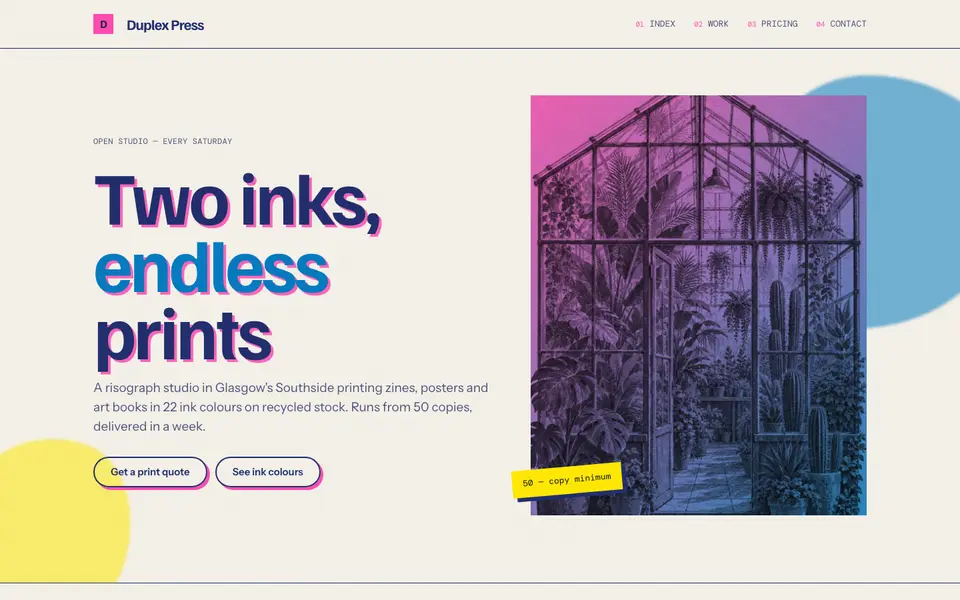
Riso Overprint
No. 063Fluorescent pink and riso blue, overprinted slightly out of register on cream stock.