Pixel Arcade
8-bit type, stepped pixel borders and coin-yellow buttons. Insert coin to continue.
This style
$9$19
One-time, no subscription · instant download · client use · 7-day refund before download
The idea
A midnight-blue cabinet screen with chunky 8-bit capitals, borders built from stepped pixels, and buttons that drop 4px when you press them. Coin yellow for actions, extra-life green and game-over red as accents, scanlines over everything. High score energy.
Pixel Arcade recreates the attract screens and cabinet art of 1980s arcade games and 8-bit home consoles. A midnight-blue screen, chunky bitmap capitals, stepped pixel borders and hard shadows define the language; scanlines sit over everything like a CRT. Colours are drawn from a limited sprite palette: coin yellow for actions, extra-life green, game-over red. Copy speaks like a game: PLAYER 1, PRESS START, HIGH SCORE. It should feel playful, competitive and loud, but legible.
Principles
- Pixels are square and edges are hard: no anti-aliased curves.
- Use the bitmap face for headlines only; keep reading text in a clear sans.
- Every border is 3px and every shadow is a solid 4px offset.
- Animate in stepped frames, never with smooth easing.
- Talk like a game: lives, scores, players and coins.
Motion
Elements pop in over four stepped frames with no smoothing, like sprites spawning. A blinking 'PRESS START' sits under the hero, and buttons drop 4px into their shadow on press.
Do & don't
Do
- ✓ Use steps(4) easing on every animation.
- ✓ Set image-rendering: pixelated on pixel art.
- ✓ Write labels as game UI: SCORE, LIVES, PLAYER 1.
Don't
- ✕ Don't round corners.
- ✕ Don't use smooth easing or blur.
- ✕ Don't set body text in a pixel font.
+ 3 more of each, and component rules, in the full DESIGN.md.
What's in the DESIGN.md
- 01Overview & principles
- 02Colors (tokens + proportions)
- 03Typography (families + 12-role scale)
- 04Layout & spacing scale
- 05Elevation & depth
- 06Shapes & radii
- 07Motion (easing, durations, signature)
- 08Imagery + generation prompt
- 09Components (button, card, nav, input, badge)
- 10Do's and don'ts
- 11Responsive behaviour
- 12Iteration guide + agent checklist
Plus theme.css (Tailwind v4 @theme), tokens.json (W3C) and the preview page source — 366 lines of DESIGN.md in total.
More like this
All Neo-Retro →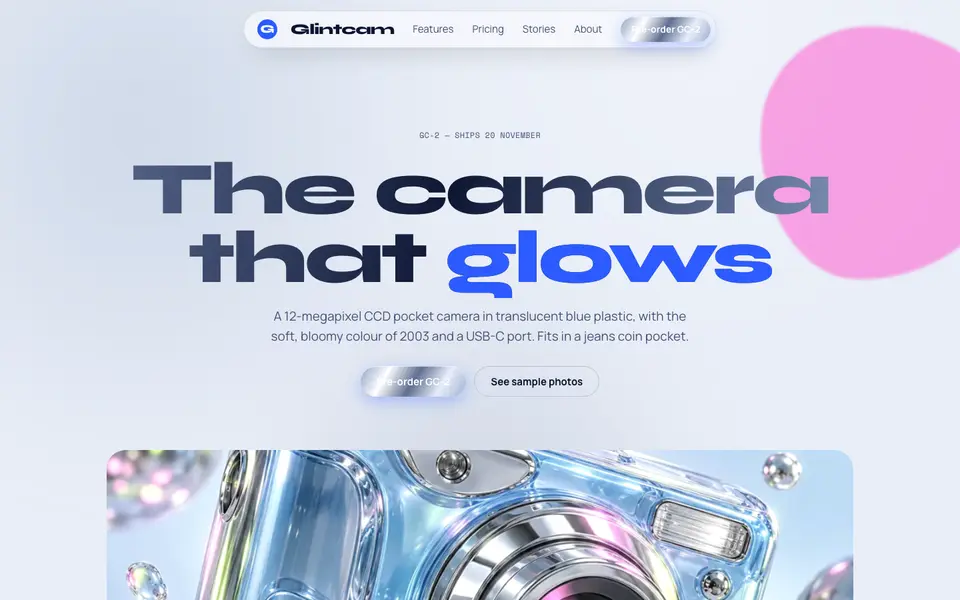
Y2K Chrome
No. 038Liquid chrome, bubble shapes and frosted-blue gadgets from the year 2000.
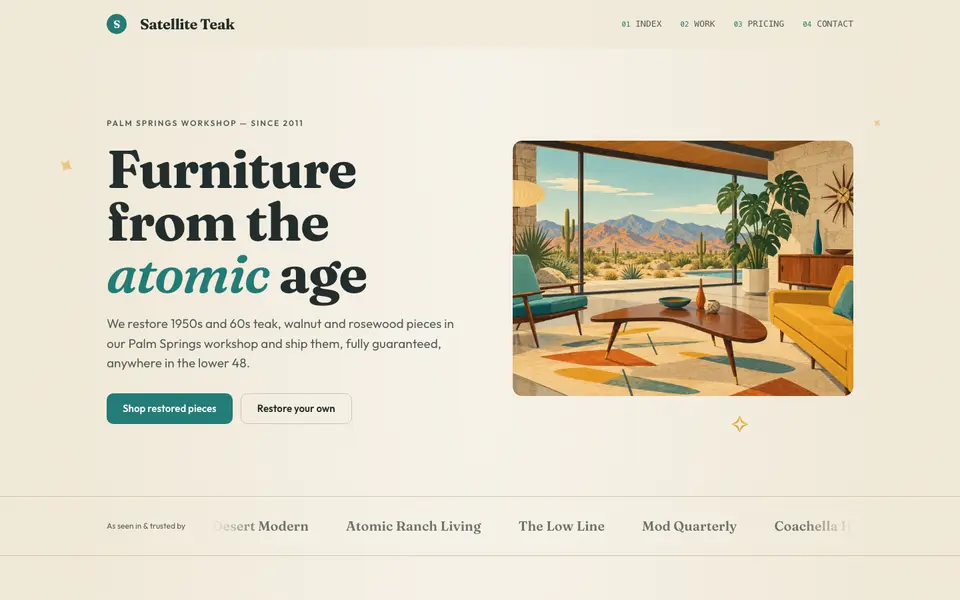
Atomic Modern
No. 058Teal, mustard and teak with starbursts and boomerangs: 1956 at its most optimistic.
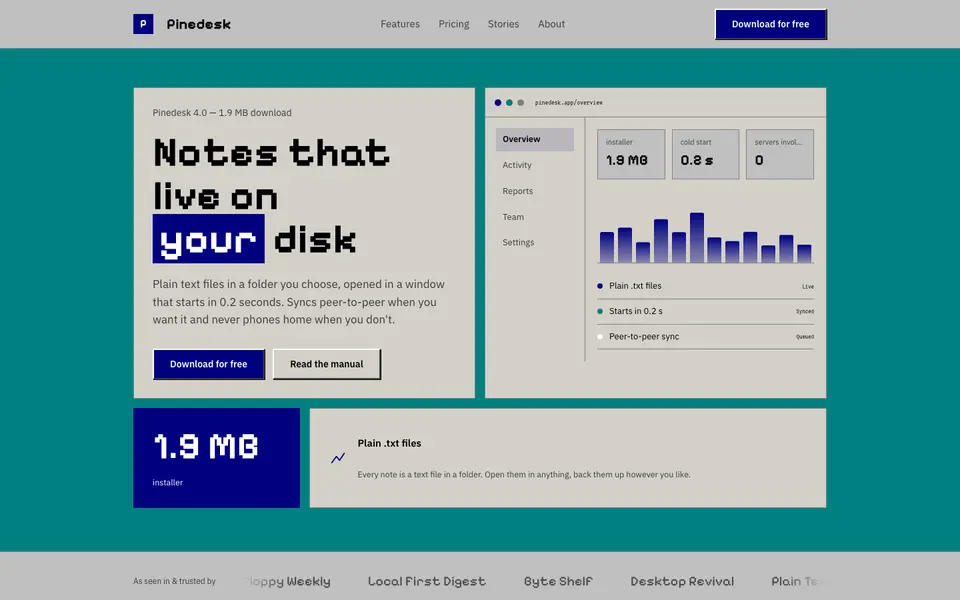
Beige Desktop
No. 059Bevelled grey windows, navy title bars and a pixel font: the 90s desktop as a website.
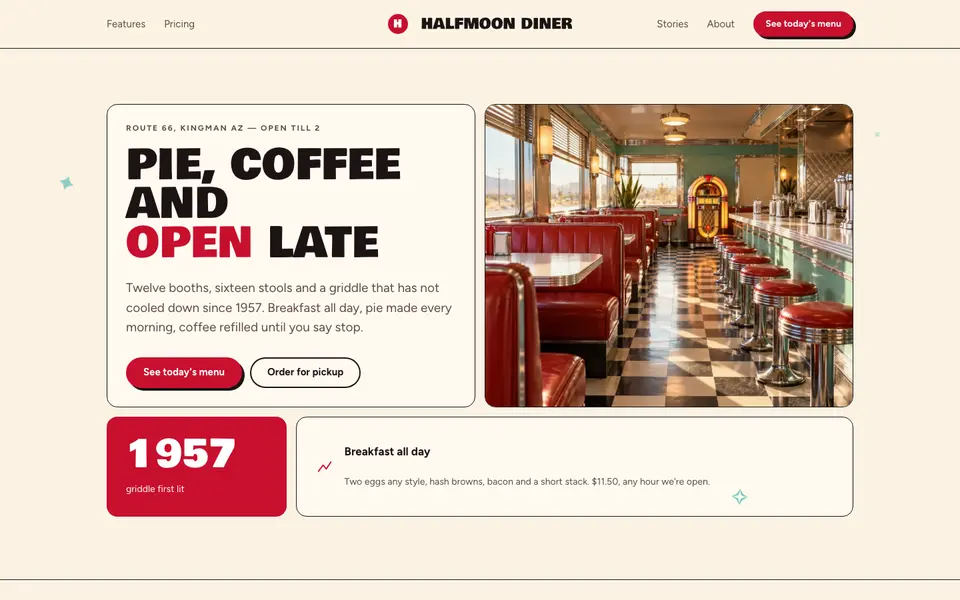
Checker Diner
No. 060Cherry red, cream vinyl and a checkerboard floor: a roadside diner menu, open late.
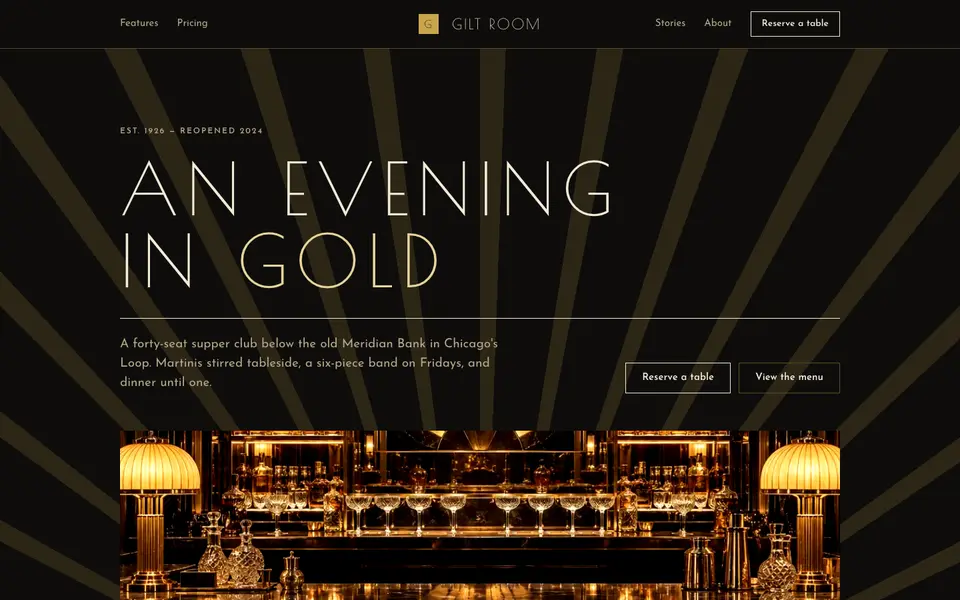
Gilded Deco
No. 061Black lacquer, gold leaf and sunburst geometry from a 1920s grand hotel lobby.
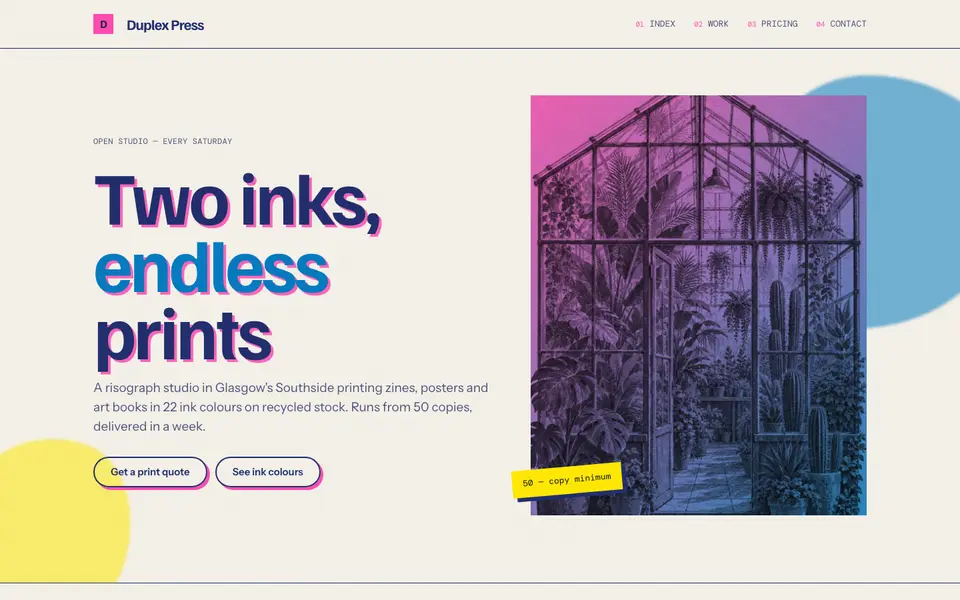
Riso Overprint
No. 063Fluorescent pink and riso blue, overprinted slightly out of register on cream stock.