Box Drawing
A text-mode dashboard drawn in ┌─┐ characters: panes, gauges and ANSI colours.
This style
$9$19
One-time, no subscription · instant download · client use · 7-day refund before download
The idea
The page is a terminal user interface: panes framed with box-drawing characters, ASCII gauges and bar meters, a status bar along the bottom and the sixteen-colour ANSI palette used with discipline. Dense, functional and oddly beautiful, like a well-configured system monitor.
Box Drawing is a terminal user interface rendered as a website. Every section is a pane framed with Unicode box-drawing characters, information is shown as ASCII gauges and sparklines, and a status bar sits along the edge with a clock and key hints. It borrows from classic text-mode system monitors, file managers and the 16-colour ANSI palette. It is dense but orderly: every character cell counts. It should feel fast, capable and lovingly configured.
Principles
- Frame every pane with box-drawing characters or 1px lines that mimic them.
- Use the ANSI palette semantically: cyan for focus, green for healthy, pink for alerts.
- Everything snaps to a character grid.
- Show key hints ('[/] filter [k] kill') wherever there is an action.
- Density is fine; clutter is not — every pane has one job.
Motion
Panes draw their box frames corner by corner in eight steps, then fill with content. ASCII gauges tick up in discrete character increments, and the status bar clock updates every second.
Do & don't
Do
- ✓ Embed pane titles in the top border ('┤ MEM ├').
- ✓ Use block characters for gauges and sparklines.
- ✓ Show key hints next to every action.
Don't
- ✕ Don't round corners or add shadows.
- ✕ Don't use images or icons.
- ✕ Don't fill panels with colour.
+ 3 more of each, and component rules, in the full DESIGN.md.
What's in the DESIGN.md
- 01Overview & principles
- 02Colors (tokens + proportions)
- 03Typography (families + 12-role scale)
- 04Layout & spacing scale
- 05Elevation & depth
- 06Shapes & radii
- 07Motion (easing, durations, signature)
- 08Imagery + generation prompt
- 09Components (button, card, nav, input, badge)
- 10Do's and don'ts
- 11Responsive behaviour
- 12Iteration guide + agent checklist
Plus theme.css (Tailwind v4 @theme), tokens.json (W3C) and the preview page source — 359 lines of DESIGN.md in total.
More like this
All Terminal & Dev →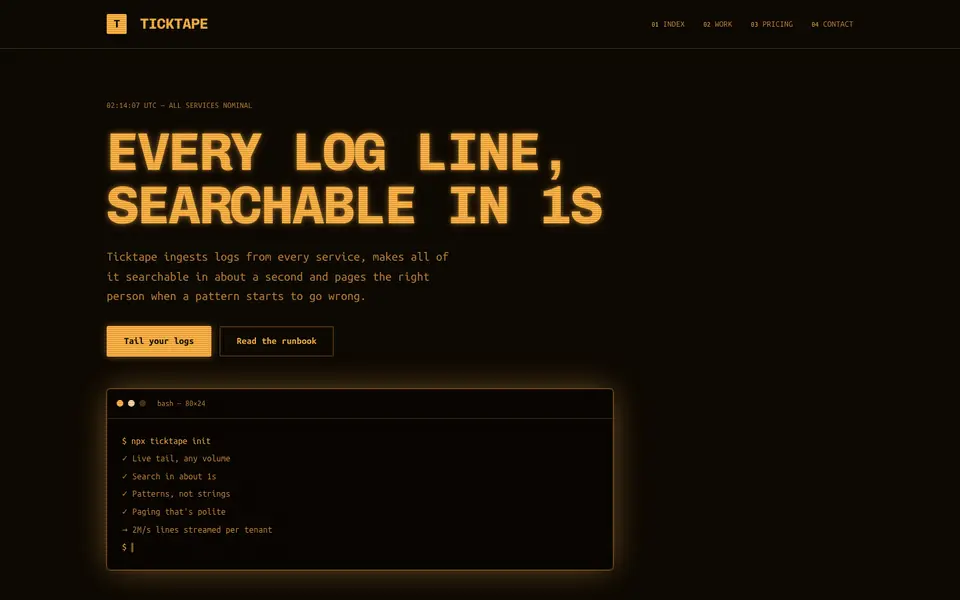
Amber Terminal
No. 071Warm amber phosphor on brown-black, thick frames and log lines scrolling past.
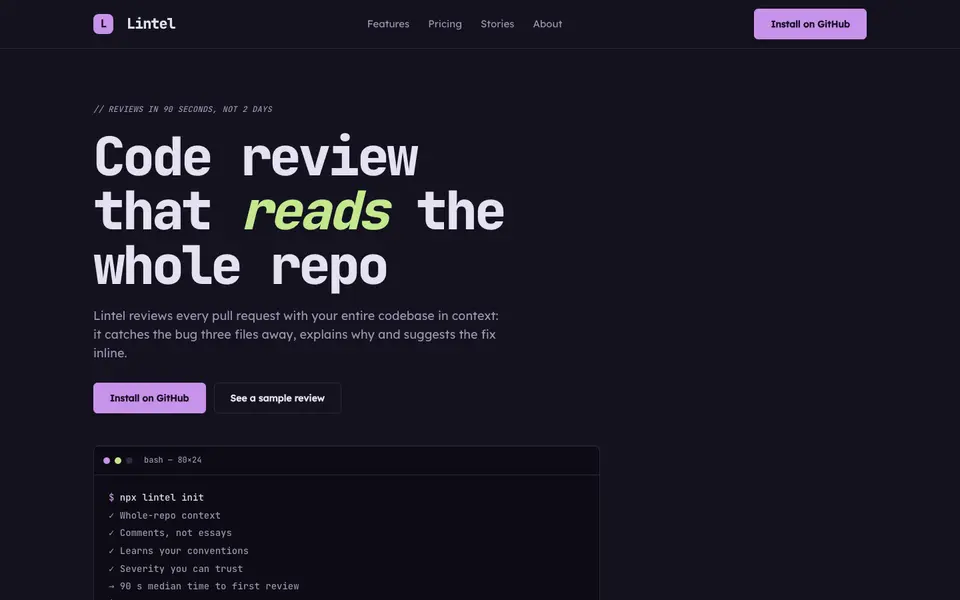
IDE Nightshade
No. 073A dark editor theme as a brand: gutter numbers, syntax colours and a tab bar for nav.
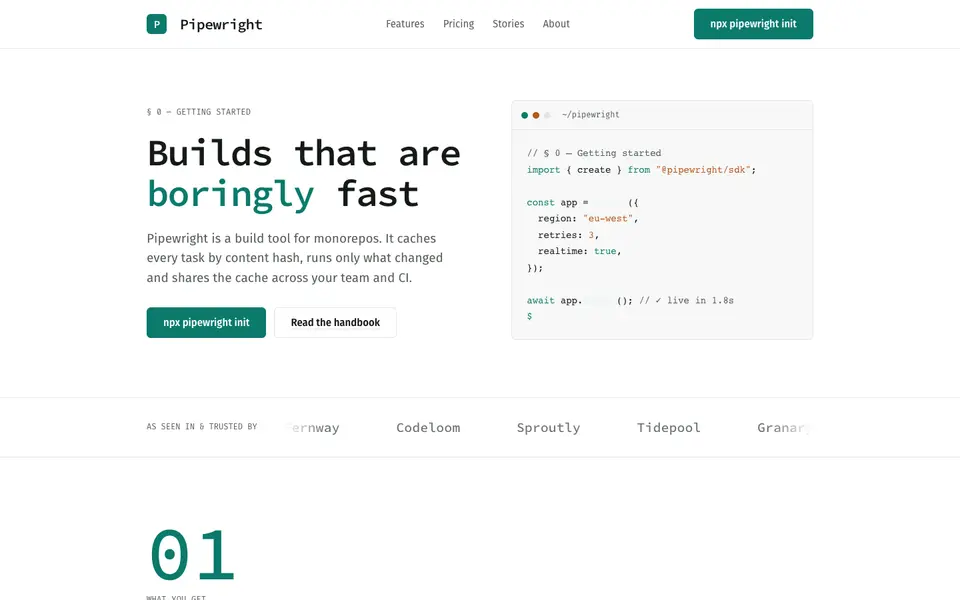
Mono Docs
No. 074A light developer handbook: mono headings, numbered sections, code that reads like prose.
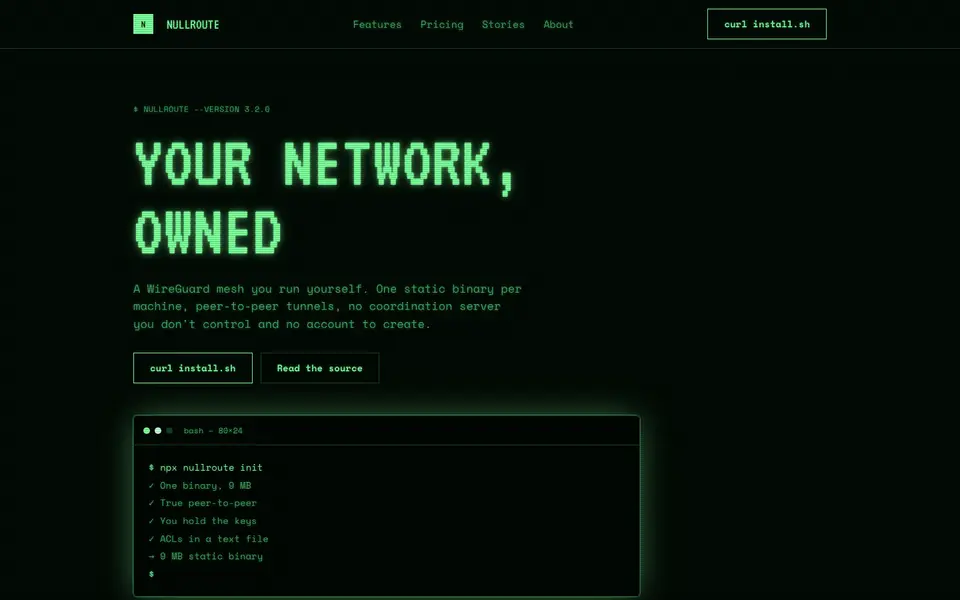 Free
FreePhosphor Green
No. 075A green-phosphor CRT at 2am: scanlines, bloom and a cursor that never stops blinking.
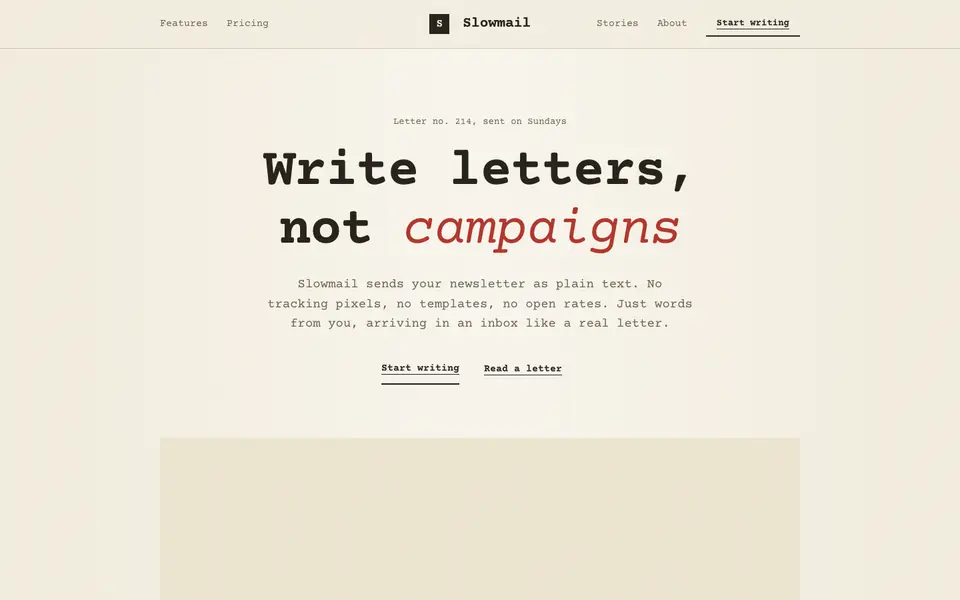
Plaintext Cream
No. 076Typewritten on cream paper: monospace everything, ink rules and a red pencil for emphasis.
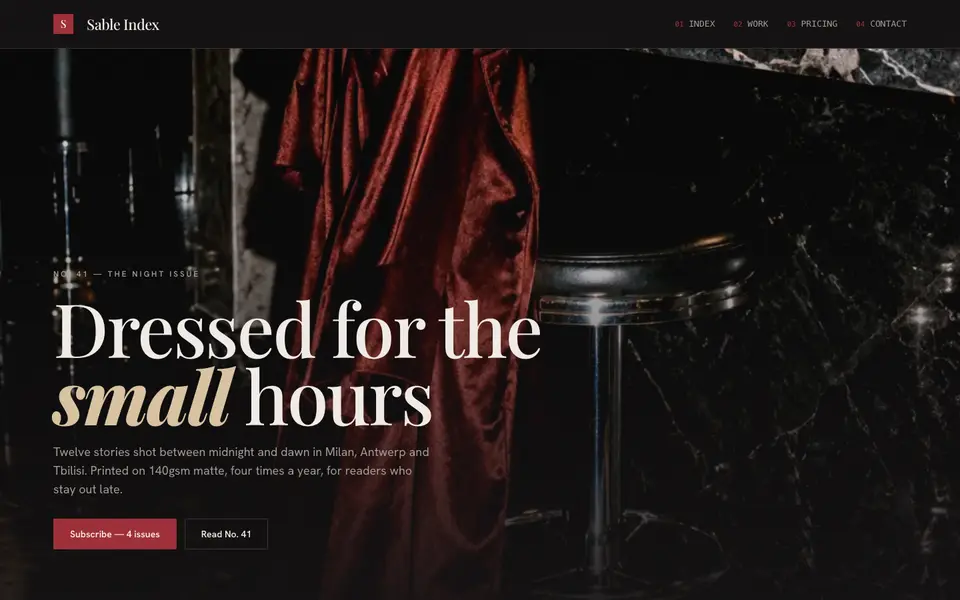
Velvet Noir
No. 009A fashion monthly after midnight: lacquer black, oxblood ink, flash-lit photography.