Mono Docs
A light developer handbook: mono headings, numbered sections, code that reads like prose.
This style
$9$19
One-time, no subscription · instant download · client use · 7-day refund before download
The idea
A bright white page that reads like the best kind of documentation: monospace headings, numbered sections, a calm sans for explanations and code blocks given the same care as the copy. One teal accent for links and nothing else. Thoughtful, honest and easy to scan when you are in a hurry.
Mono Docs is the aesthetic of excellent documentation applied to a whole site. A clean white page, monospace headings with section numbers, a warm humanist sans for explanation and code blocks treated as first-class content. It borrows from technical manuals, RFCs, man pages and the best open-source handbooks. There is almost no decoration; trust comes from clarity, numbering and honest examples. It should feel like a project maintained by people who care about the reader's time.
Principles
- Number every section (§ 1, § 2) like a handbook.
- Code is content: every claim gets a short, runnable example.
- One teal accent for links and actions; nothing else is coloured.
- Optimise for scanning: short paragraphs, clear headings, generous line height.
- No decoration that a screen reader would have to skip.
Motion
Almost none, by design: sections fade up 6px over 300ms. Code blocks show a 'copied' tick for 1.5 seconds after clicking, and links draw a teal underline on hover.
Do & don't
Do
- ✓ Number sections with § and decimals.
- ✓ Pair every feature with a one-line code example.
- ✓ Keep body copy under 70 characters per line.
Don't
- ✕ Don't use photography or 3D renders.
- ✕ Don't use more than one accent colour outside code.
- ✕ Don't set body text in monospace.
+ 3 more of each, and component rules, in the full DESIGN.md.
What's in the DESIGN.md
- 01Overview & principles
- 02Colors (tokens + proportions)
- 03Typography (families + 12-role scale)
- 04Layout & spacing scale
- 05Elevation & depth
- 06Shapes & radii
- 07Motion (easing, durations, signature)
- 08Imagery + generation prompt
- 09Components (button, card, nav, input, badge)
- 10Do's and don'ts
- 11Responsive behaviour
- 12Iteration guide + agent checklist
Plus theme.css (Tailwind v4 @theme), tokens.json (W3C) and the preview page source — 359 lines of DESIGN.md in total.
More like this
All Terminal & Dev →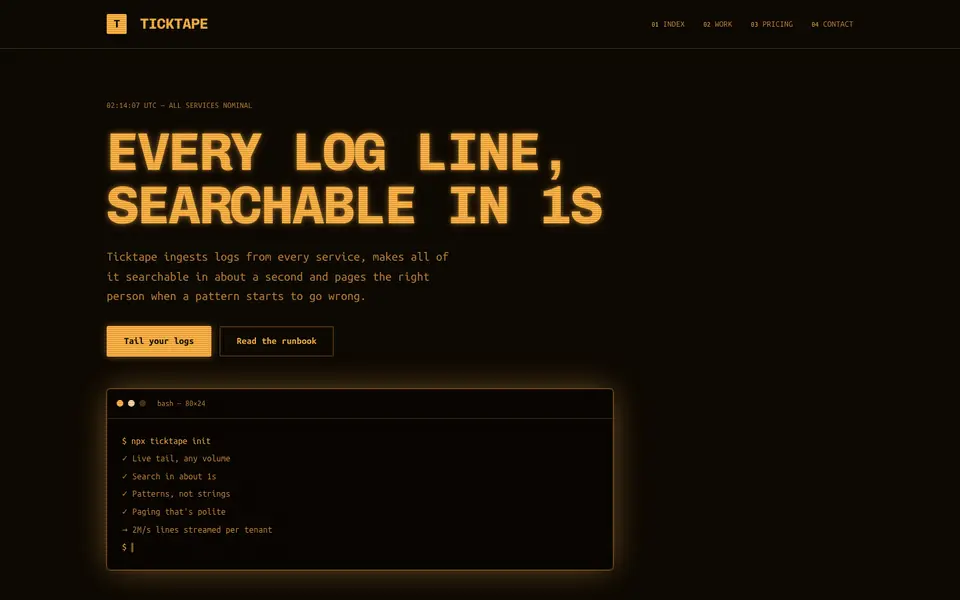
Amber Terminal
No. 071Warm amber phosphor on brown-black, thick frames and log lines scrolling past.
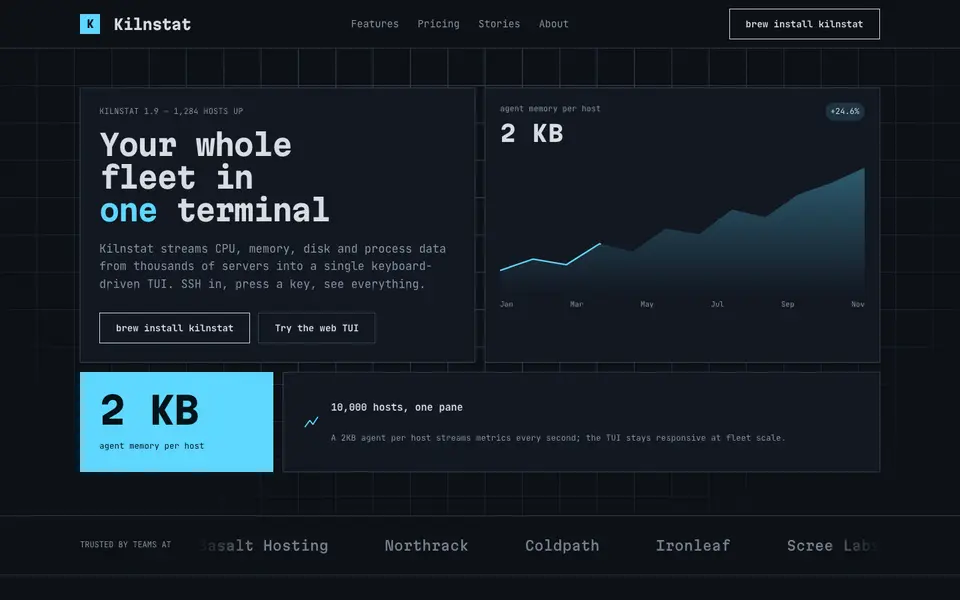
Box Drawing
No. 072A text-mode dashboard drawn in ┌─┐ characters: panes, gauges and ANSI colours.
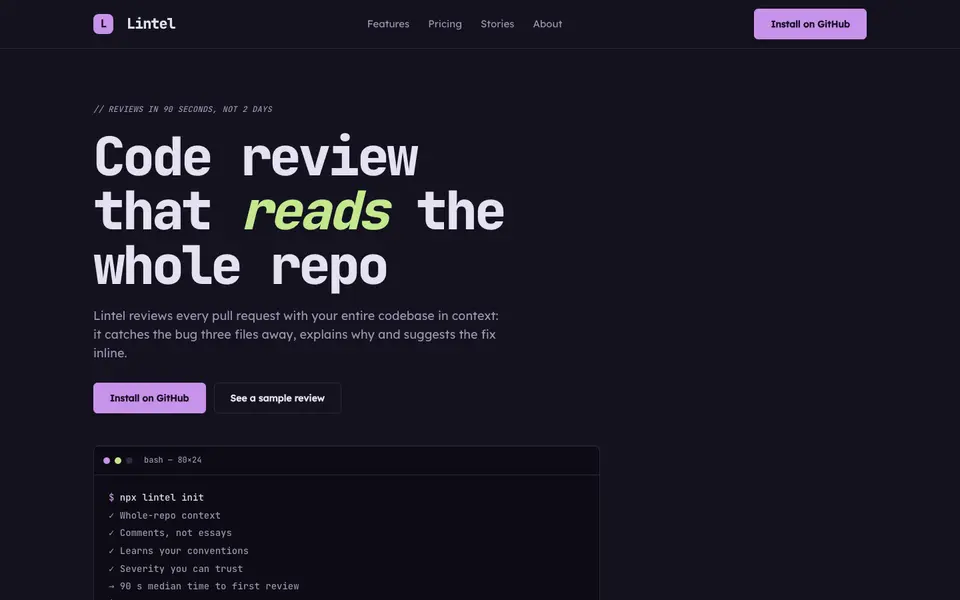
IDE Nightshade
No. 073A dark editor theme as a brand: gutter numbers, syntax colours and a tab bar for nav.
 Free
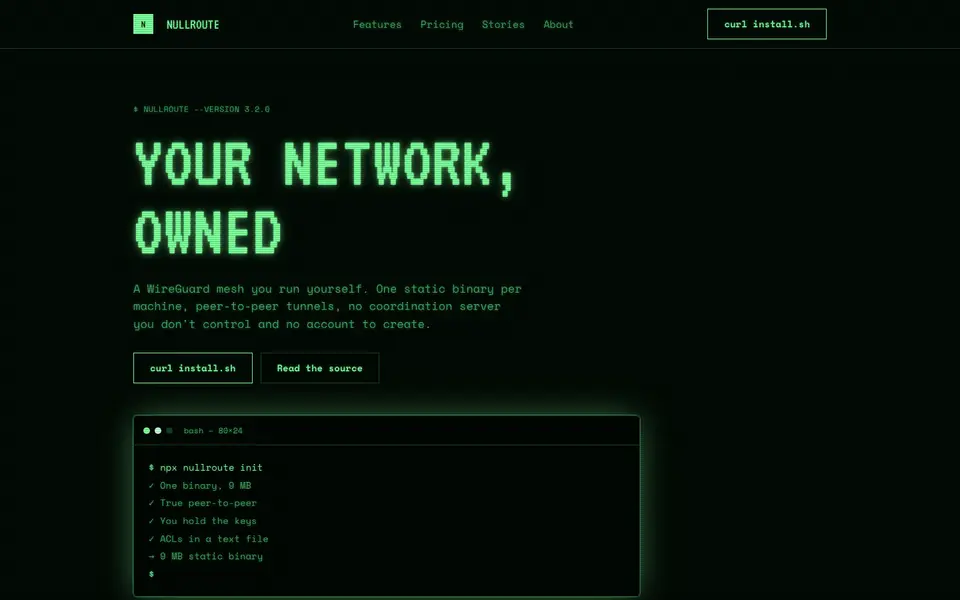
FreePhosphor Green
No. 075A green-phosphor CRT at 2am: scanlines, bloom and a cursor that never stops blinking.
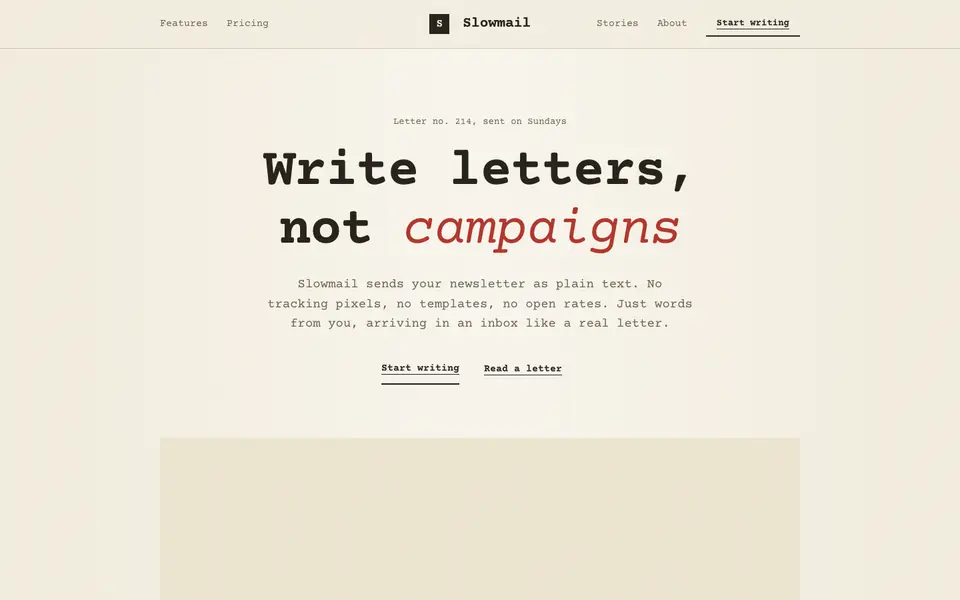
Plaintext Cream
No. 076Typewritten on cream paper: monospace everything, ink rules and a red pencil for emphasis.
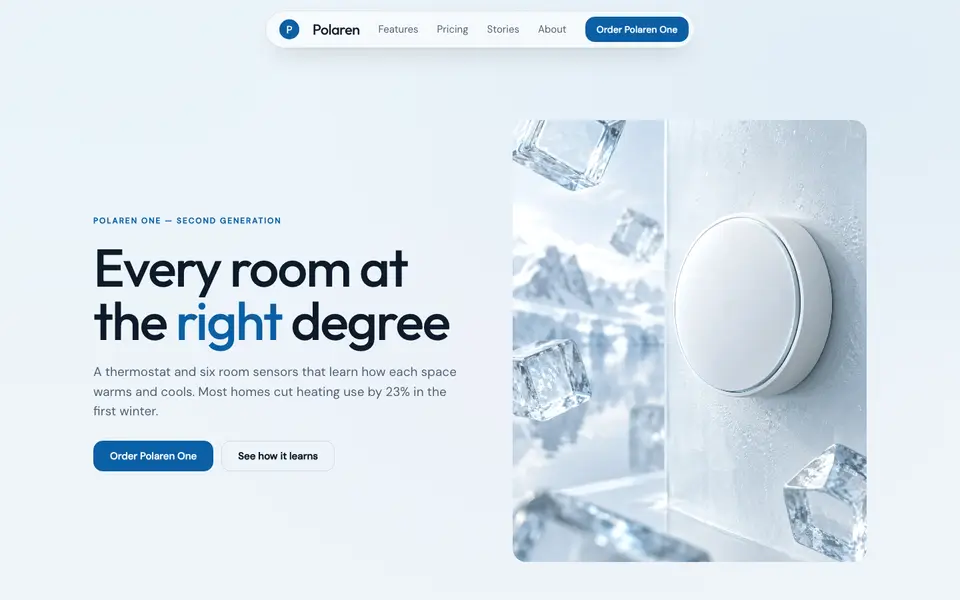
Ice Glass
No. 017Clear ice over pale sky: frosted white panes, glacier blue, crisp edges.